
Inspect the workflow
Directory submission sample report and dashboard demo
See how a website URL becomes a campaign, how submission statuses appear in the customer ledger, and where evidence is attached to each completed destination.
Product walkthrough video
Disclosure: this is an illustrated product-interface demonstration using example website and directory data. It explains the workflow and proof format; it is not a customer testimonial, an independent audit, or evidence that a third-party directory approved a listing.
On-screen walkthrough
- 00:00
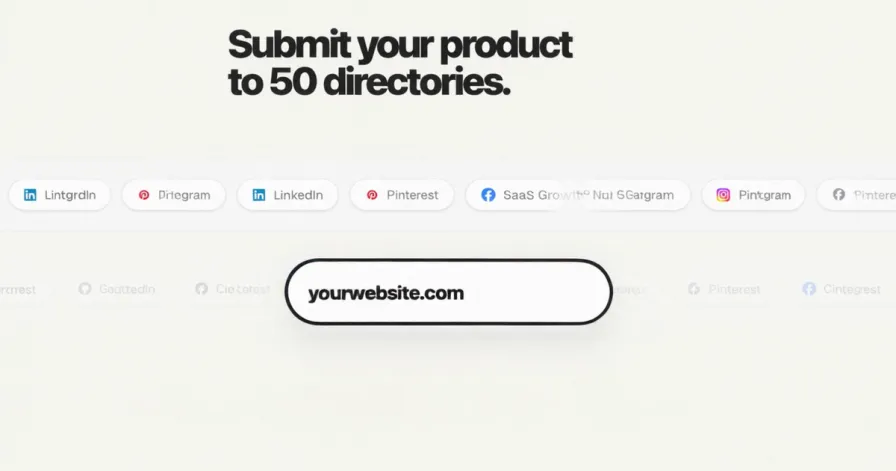
Submit your product to 50 directories
The opening frame shows one website URL field against a set of possible directory destinations.
- 00:02
Paste one link
The example website URL becomes the starting input for the campaign rather than a repeated form for the customer to complete.
- 00:03
A person handles each form
The walkthrough changes to an operator view with an individual destination, prepared listing copy, and a submitted status.
- 00:05
Track all 50 in one dashboard
The customer view shows campaign progress, submitted and in-progress counts, and a row for each directory.
- 00:07
Proof for every completed submission
A directory row expands to an evidence panel linked to the submitted product and destination.
- 00:09
50 completed submission slots
The final frame shows the campaign count completed with proof and a route back to the service.
What the live customer dashboard records
- Campaign identity
- The submitted website URL, package type, and order date
- Progress
- Completed submission count, campaign total, and progress percentage
- Status summary
- Submitted, in progress, and replaced counts
- Directory ledger
- One current row per campaign slot with destination and status
- Evidence
- A proof link when a screenshot or confirmation has been attached
- Published result
- A separate live-listing link when one is known
Illustrative sample submission report
This example shows how the report separates work performed from third-party outcomes. The destination names and rows below are fictional; they are not customer results or claims about submissions made by autosubmissionproduct.
| Destination | Recorded status | Evidence field | Report note |
|---|---|---|---|
| Example SaaS directory | Submitted | Confirmation screenshot | The form was completed; directory review is pending. |
| Example launch directory | Live | Public listing URL | The directory published the profile and a live URL was recorded separately. |
| Example AI tools directory | In progress | Not attached yet | Work has started, but the submission is not counted as completed. |
| Example paid directory | Replaced | Eligibility note | Paid placement was required, so the campaign slot moved to an eligible alternative. |
What the evidence means
It can establish
Which destination was handled, which product was submitted, the recorded status, and the screenshot or confirmation saved for that completed action.
It cannot establish
Directory approval, publication, permanent placement, backlink attributes, search indexing, rankings, traffic, leads, or inclusion in an AI answer.